


ITmode

Focus better,
achieve more

Shut out distractions, put on your vibe and work alongside people making the world a little better.

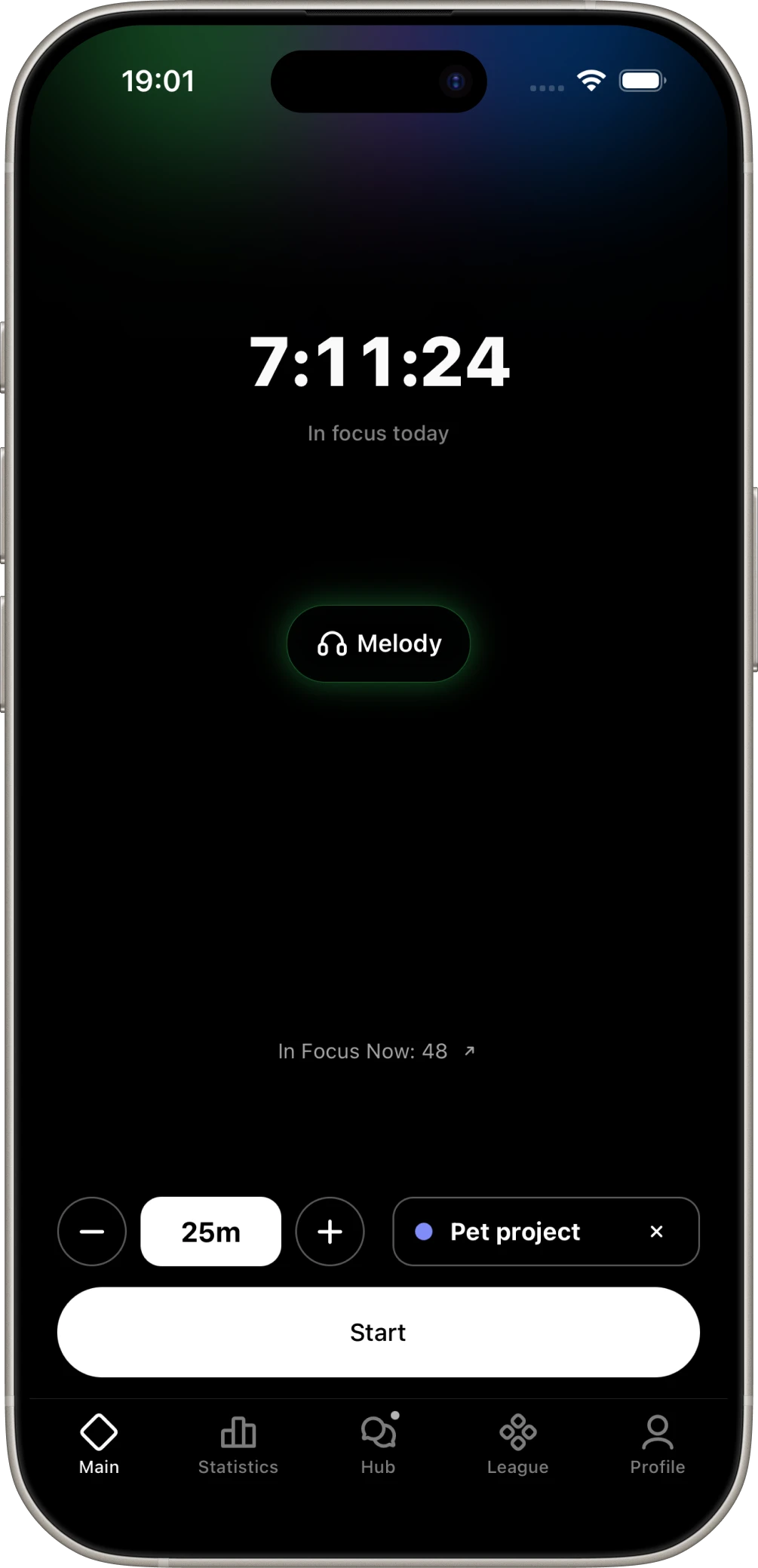
ITmode home screen before starting a focus timer
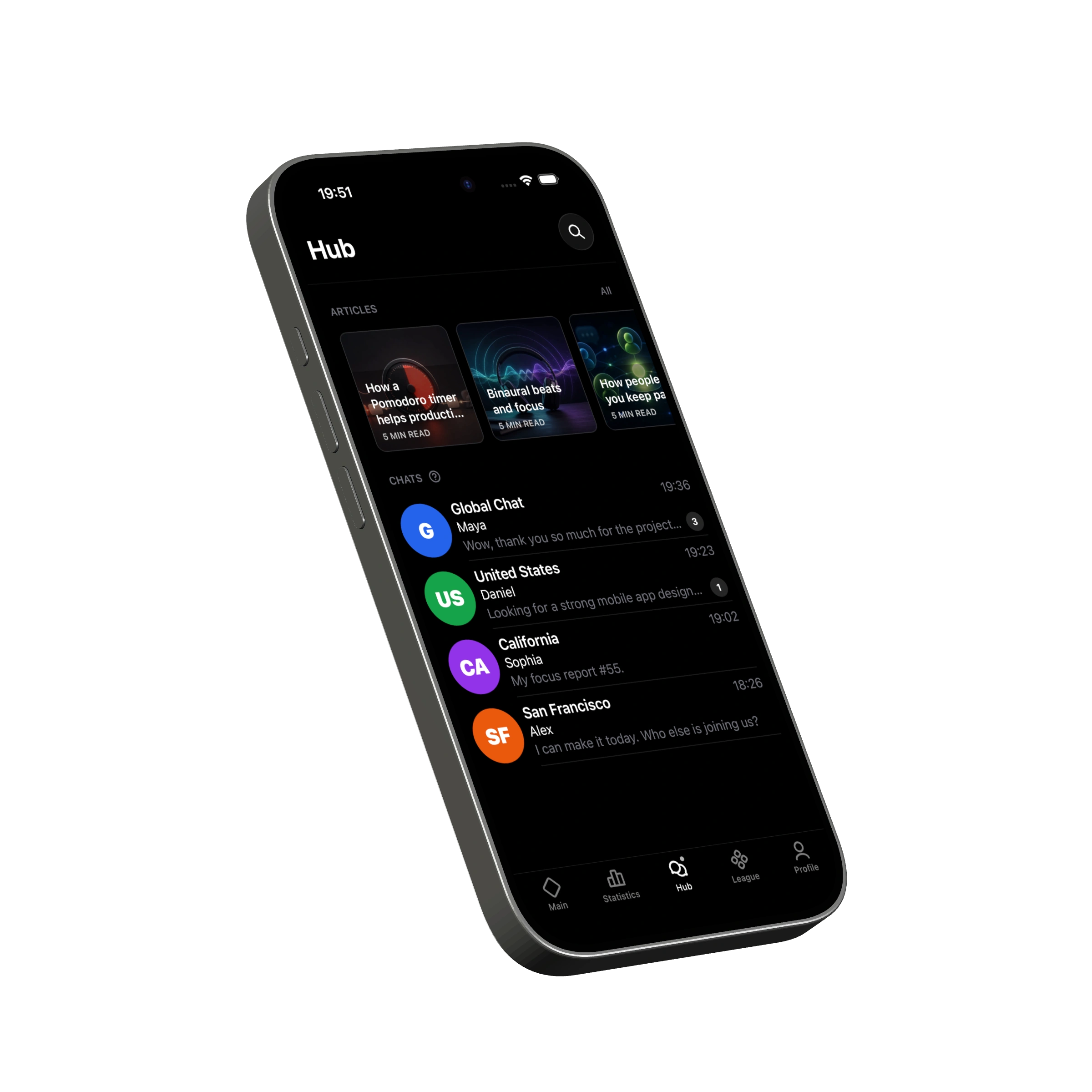
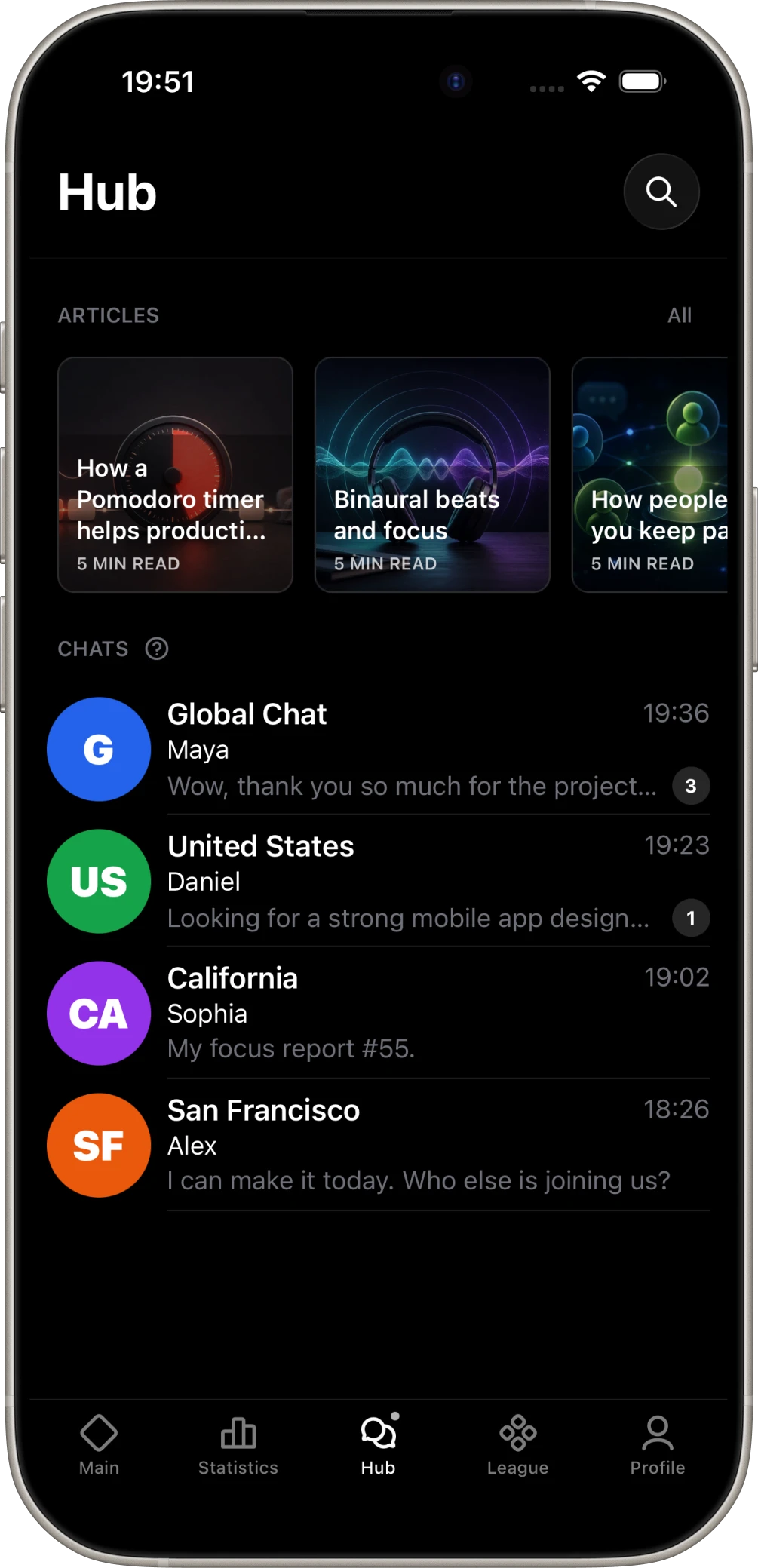
ITmode Hub with articles and community chats
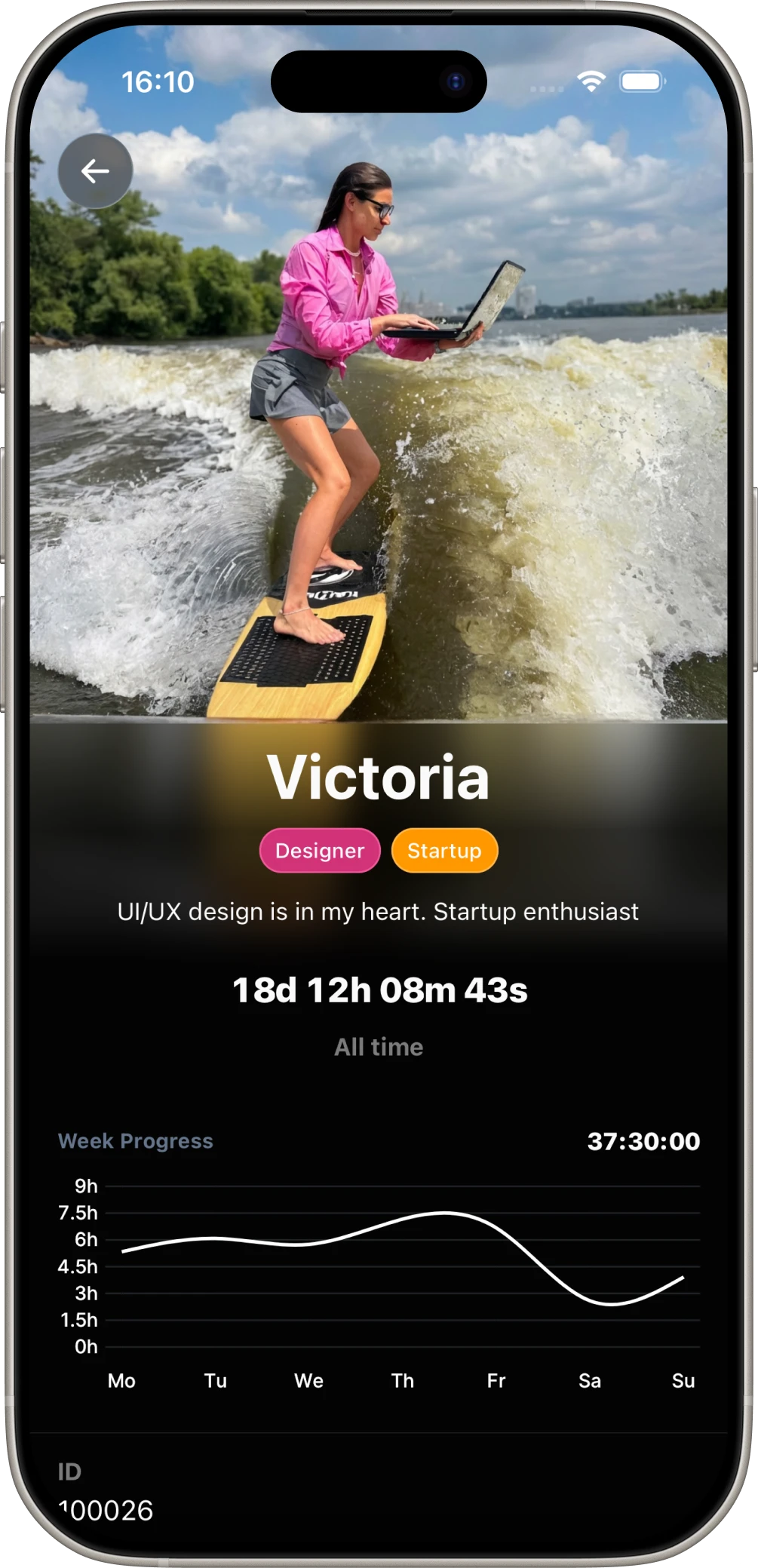
Victoria’s profile in ITmode

Great products are built
in hours of deep focus.

ITmode helps you find those hours more often.

Blocking

Shut out everything
that distracts you

Build a group of the apps and websites that steal your time. Start a session and ITmode blocks them on all your devices at once.*

* iPhone, Android, macOS, Windows and the browser extension from the Chrome Web Store
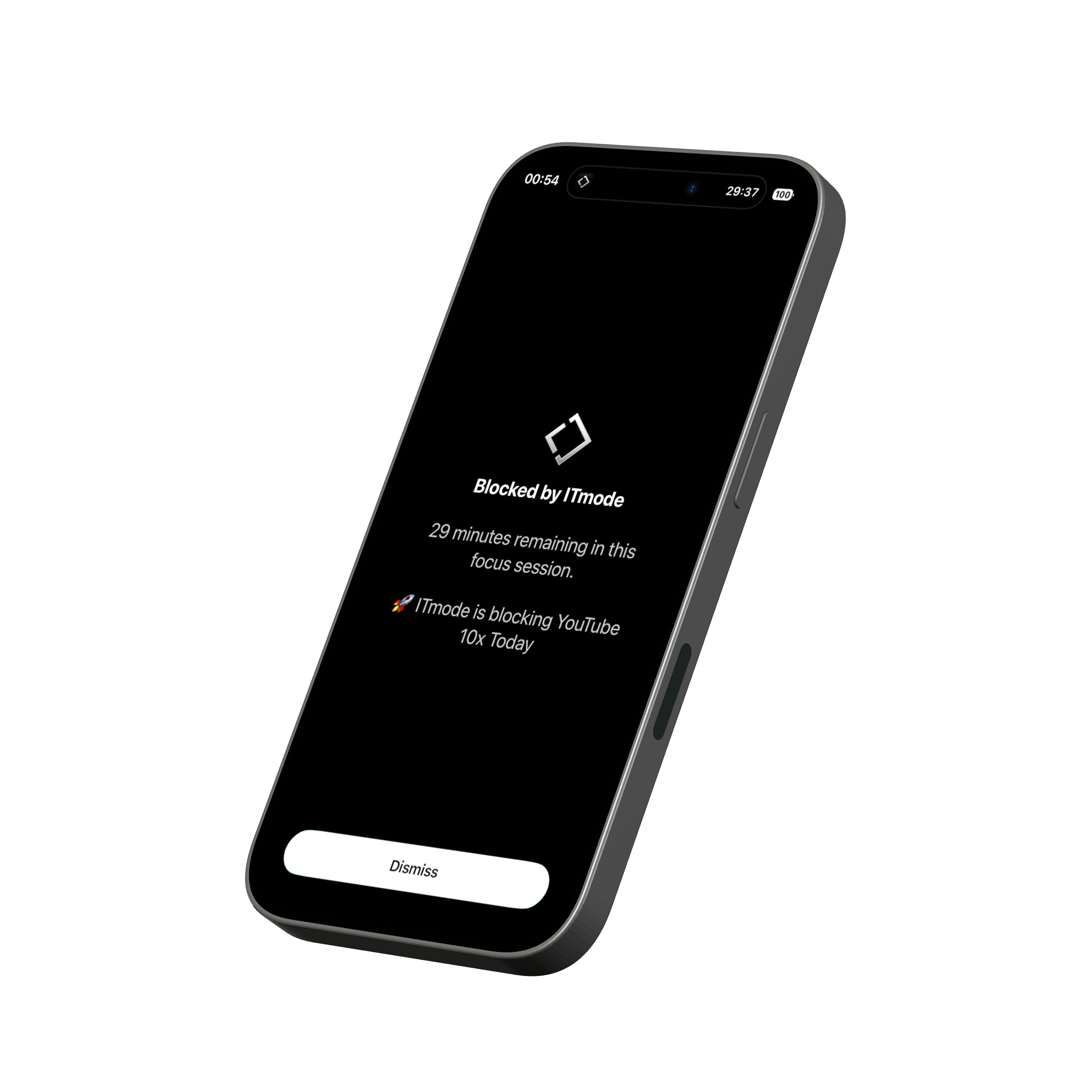
YouTube blocked during an ITmode focus session
Sound

Pick your vibe
and get into flow

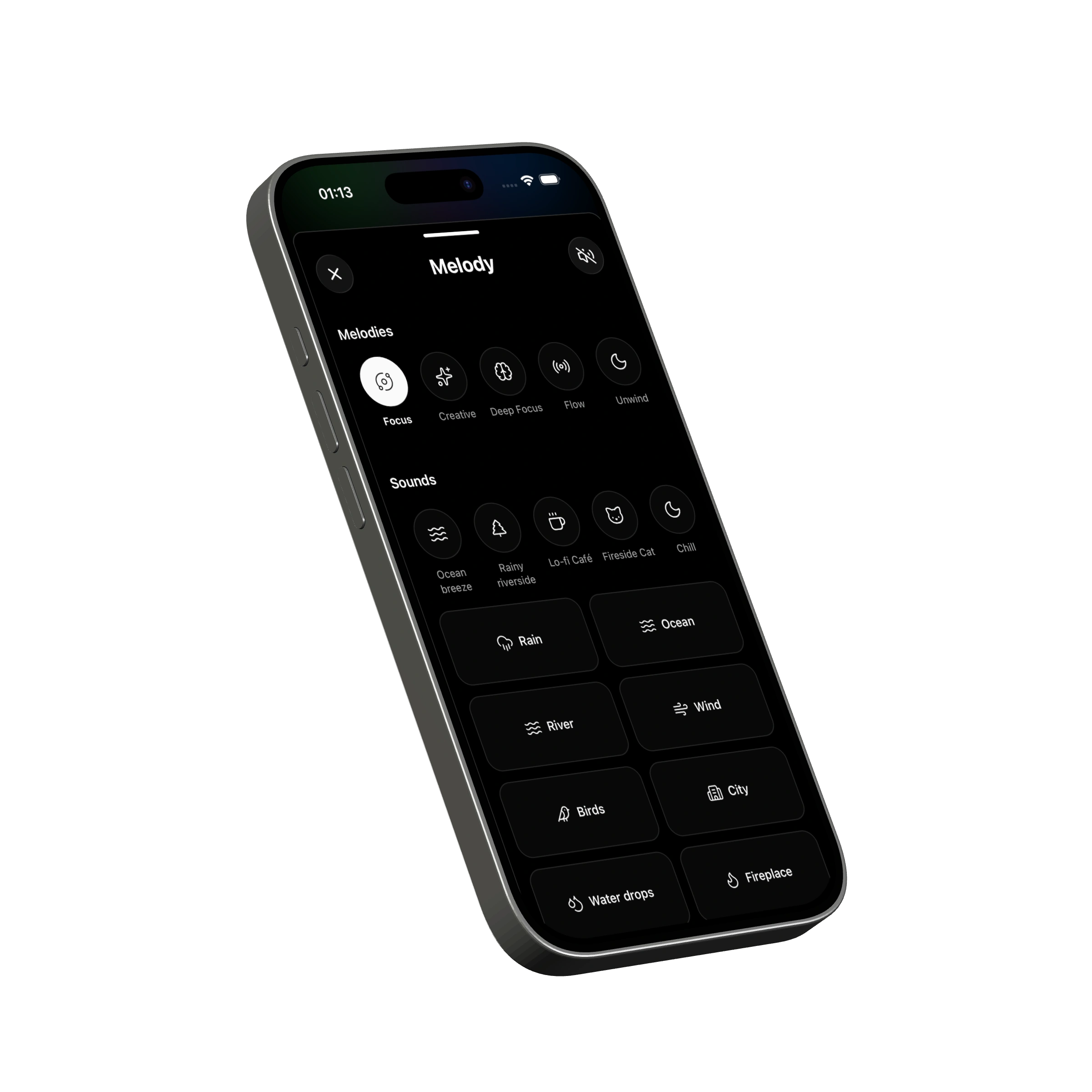
Lo-fi, rain, a coffee shop, a fireplace or white noise. Focus melodies, binaural beats and 20+ sounds — mix them into your own blend for the task.

ITmode melody selection window
People in focus

You’re not alone
in focus

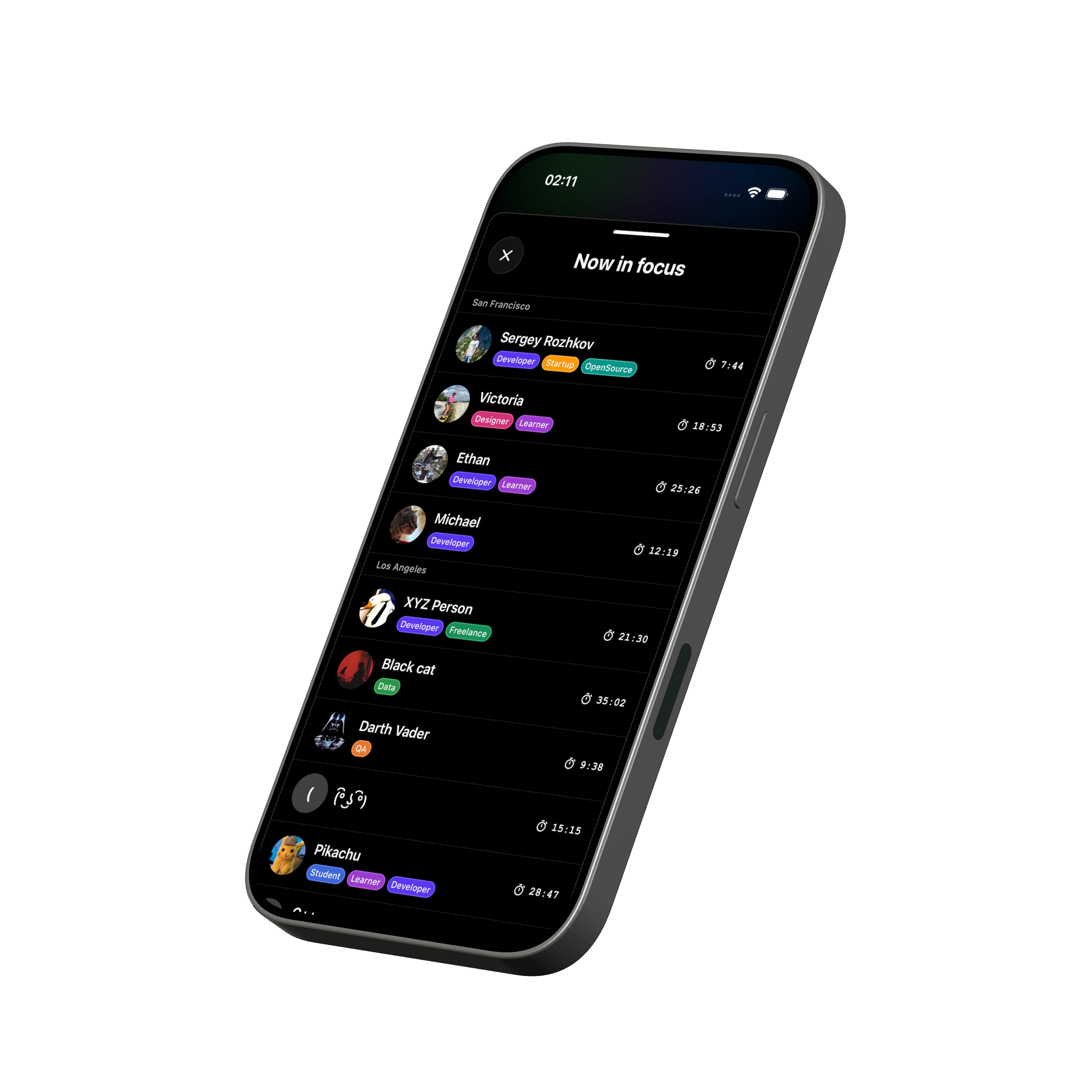
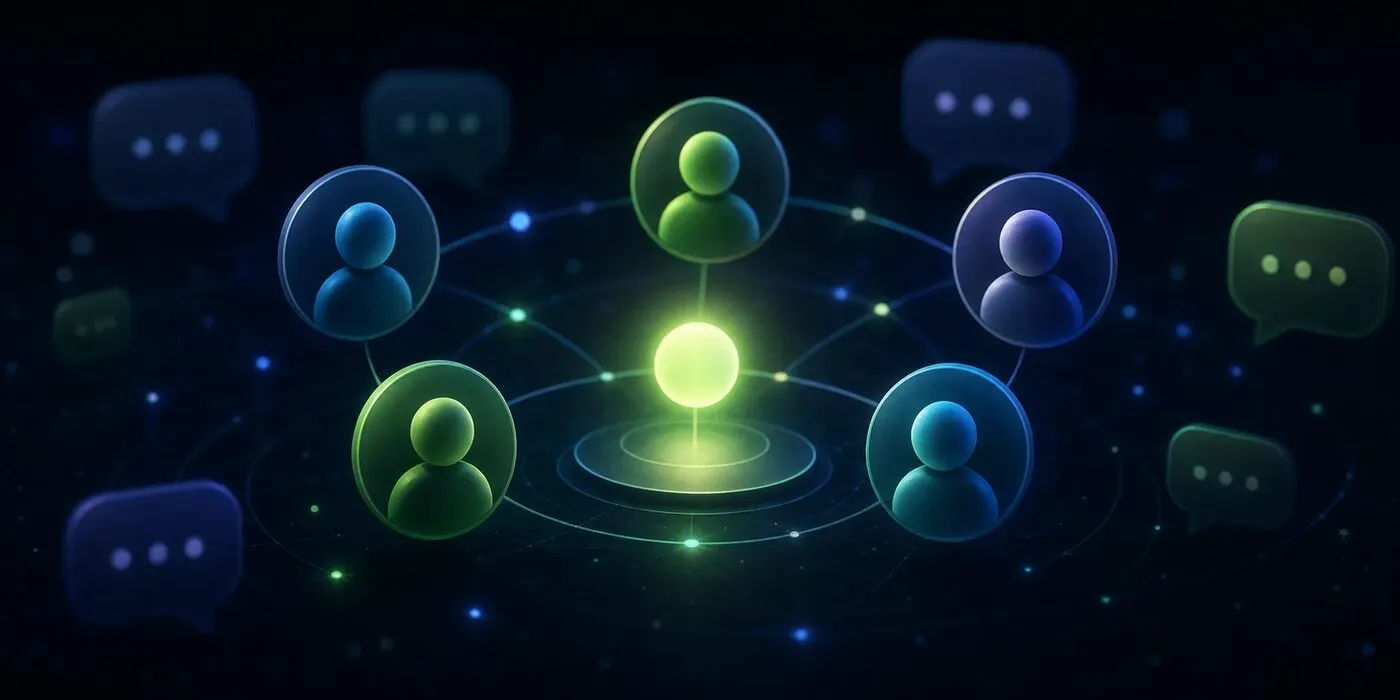
Tap “In Focus Now” on the home screen to see who’s working right now: people near you first, then the whole world. It’s harder to quit when everyone around you is working.

ITmode window showing people currently in focus
Hub

Your people
in your city

ITmode has 150,000+ locations. Pick yours and meet IT people nearby: talk products, share results, get together for coffee or coworking. And the Hub has articles on working deeper.

ITmode Hub with articles and community chats
Progress

Progress
you can see

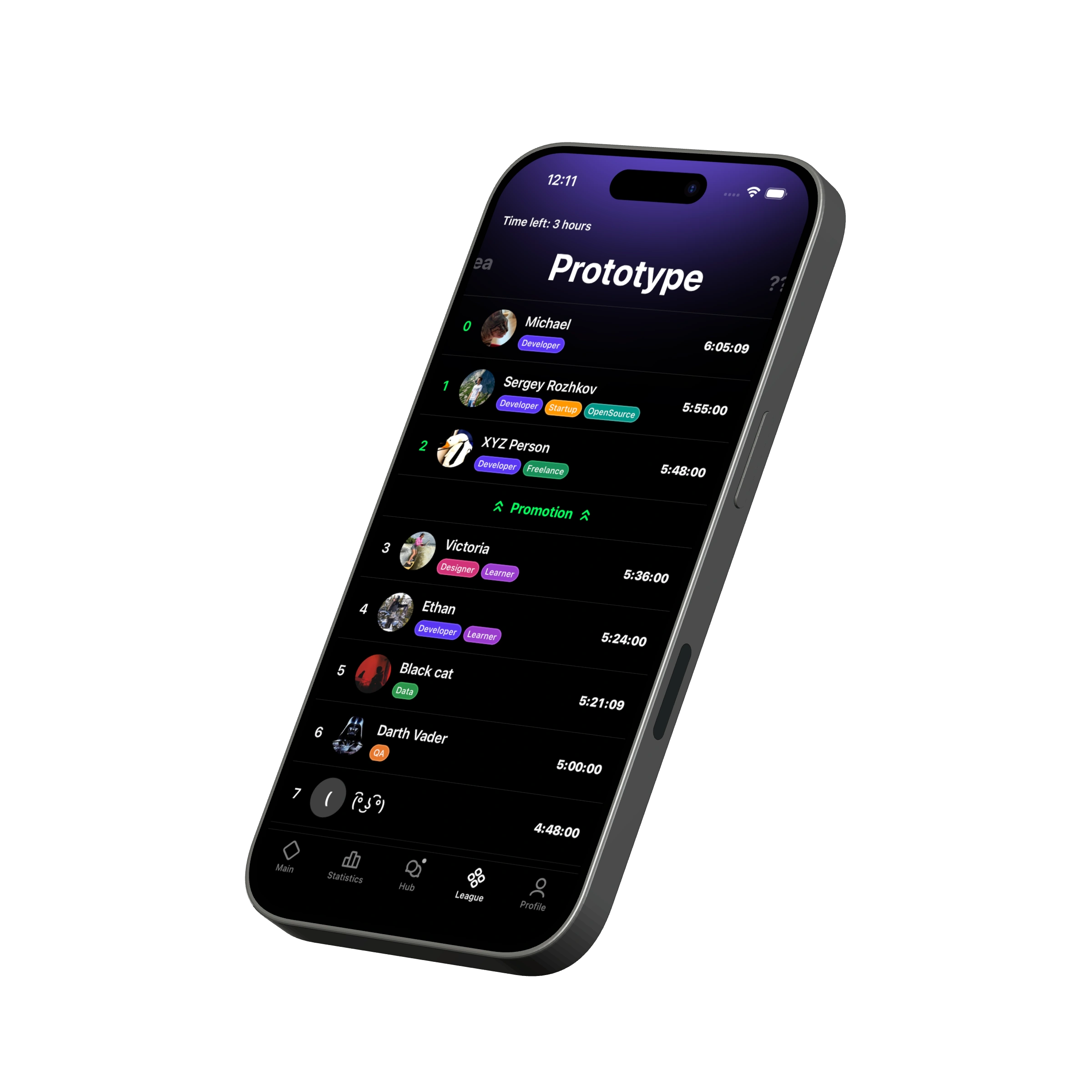
Stats by day, week and tag show where your time goes and which tasks are moving. And every completed session lifts you up the league.

iPhone 16 Black mockup showing the Prototype leaderboard

Frequently asked questions

What is ITmode?

ITmode is a deep-work app built for people in IT. It blocks distracting apps and websites on all your devices, helps you get into flow with sounds and melodies, and connects you with IT people nearby. Start a focus session and everything else stays closed until it ends.

Who is ITmode for?

ITmode is built for people who make digital products. That means developers (frontend, backend, mobile), designers, QA engineers, analysts, product and project managers, DevOps engineers, data specialists, founders and indie hackers. It also suits students in IT fields: programming, information systems and interface design. If you’re far from IT, distraction blocking, focus sounds and stats are still useful — just note that the in-app community and chats are mostly about IT.

What can I block, and on which devices?

Apps on iPhone, Android, macOS and Windows, plus websites in your browser. You set up a blocking group once and it syncs across your devices. Start a session on any of them and blocking turns on everywhere.

Is it safe? Why does ITmode need Screen Time and Accessibility access?

ITmode doesn’t read your screen content or what you type. On iPhone it uses Apple’s built-in Screen Time framework and can’t see which apps you open. On Android it uses Accessibility: the app compares the open app with your block list locally, and that data never leaves the device.

What if I urgently need something that’s blocked?

Stop the session and blocking is lifted. ITmode doesn’t lock you in: it removes temptation by default, so getting distracted takes a conscious decision rather than a single tap.

How is ITmode different from Pomodoro timers and app blockers?

A Pomodoro timer only counts time — distractions stay one tap away. ITmode brings together what usually lives in several apps: blocking on every device, a timer, focus sounds, stats, leagues and a community of IT people nearby.

Is ITmode free?

Yes. The free version isn’t a demo or a trial — every core feature is included. Blocking on every platform, the timer, melodies and sounds, your own mix, stats, leagues and the community all work for free, just with sensible limits. ITmode Pro lifts those limits for people who need more: more blocking groups and desktop apps, every melody and sound, saved presets, full stats history and more tags.

How do I find people nearby?

Tap “In Focus Now” on the home screen to see who’s working right now, starting with people near you. In the Hub, pick your location — ITmode has 150,000+. A location’s chat opens once an active community forms there; conversations happen in Discord, and the app shows what people are talking about.

What sounds are inside? Do I need headphones?

Focus melodies, binaural beats and ambient sounds: lo-fi, rain, a coffee shop, a fireplace, white noise and more. You can mix them into your own blend. Regular sounds work without headphones. Binaural beats need stereo headphones, because the left and right channels play slightly different frequencies. It’s a sound environment for work, not a medical feature.

How do I find ITmode in the App Store or Google Play?

The name is one word: ITmode, pronounced “I-T mode”. In the App Store, Google Play and the Chrome Web Store you can search for “ITmode” or “IT mode”. In the App Store the app is called “ITmode: Focus & People”, and the browser extension is “ITmode - Block sites & Focus”. The easiest way is the download buttons on this site, itmode.app: they open the right store page directly.

Focus is our topic
of conversation.

Short reads on working rhythm, sound, and the people who make it easier to stay on course.

Open the blog

Works wherever
you work

One account and one blocking group across your phone, computer and browser.

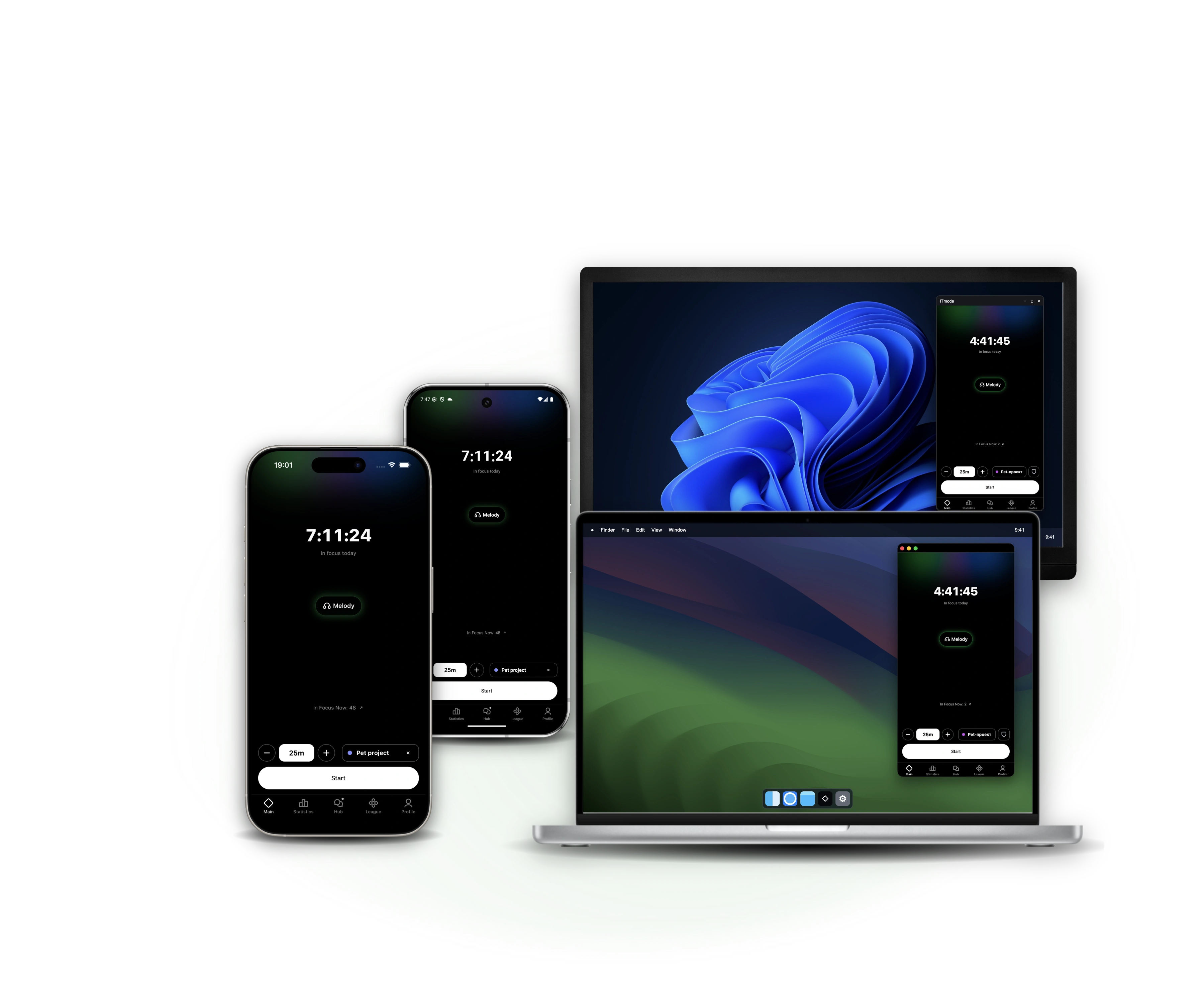
ITmode on iPhone, Android, a MacBook running macOS and a Windows monitor. Every device shows the main focus timer screen.

Stop scrolling.
Start building.

Download ITmode

Download ITmode

Choose your platform to continue.

Windows installation guide

Since ITmode is not yet digitally signed, Windows SmartScreen may block the installer. This is normal — just follow two quick steps:

Step 1: Click "More info"

Windows SmartScreen — click More info

Step 2: Click "Run anyway"

Windows SmartScreen — click Run anyway